Run SEO content from your own tools with the API and MCP
RankingArticles has a REST API and an MCP server, included in every paid plan. From your own scripts or an AI agent you can list sites, write an article for a keyword (with research, fact check and QA), read it, publish it, and read AI-answer visibility.
Last updated 2026-11-08 · by Venu Gopal Reddy Muvva, founder
The problem
Teams with their own workflows don't want another dashboard. They want to trigger an article from a ticket, a spreadsheet or an AI agent and get a checked result back.
How to do it in RankingArticles
- 1
Create a key
In the app, open API & MCP and create a key. Send it as a Bearer token.
- 2
List your sites
GET /api/v1/sites returns your sites and their ids.
- 3
Write an article
POST /api/v1/sites/{id}/articles with a keyword. It runs research, writing, the fact check and QA.
- 4
Read and publish
GET /api/v1/articles/{id} returns Markdown, HTML, meta, schema, sources and the checks. POST /publish posts it; it is refused while the fact gate blocks it.
- 5
Or use MCP
Add the MCP server at /api/mcp to Claude, Cursor or any MCP client with your key; the same six operations are tools.
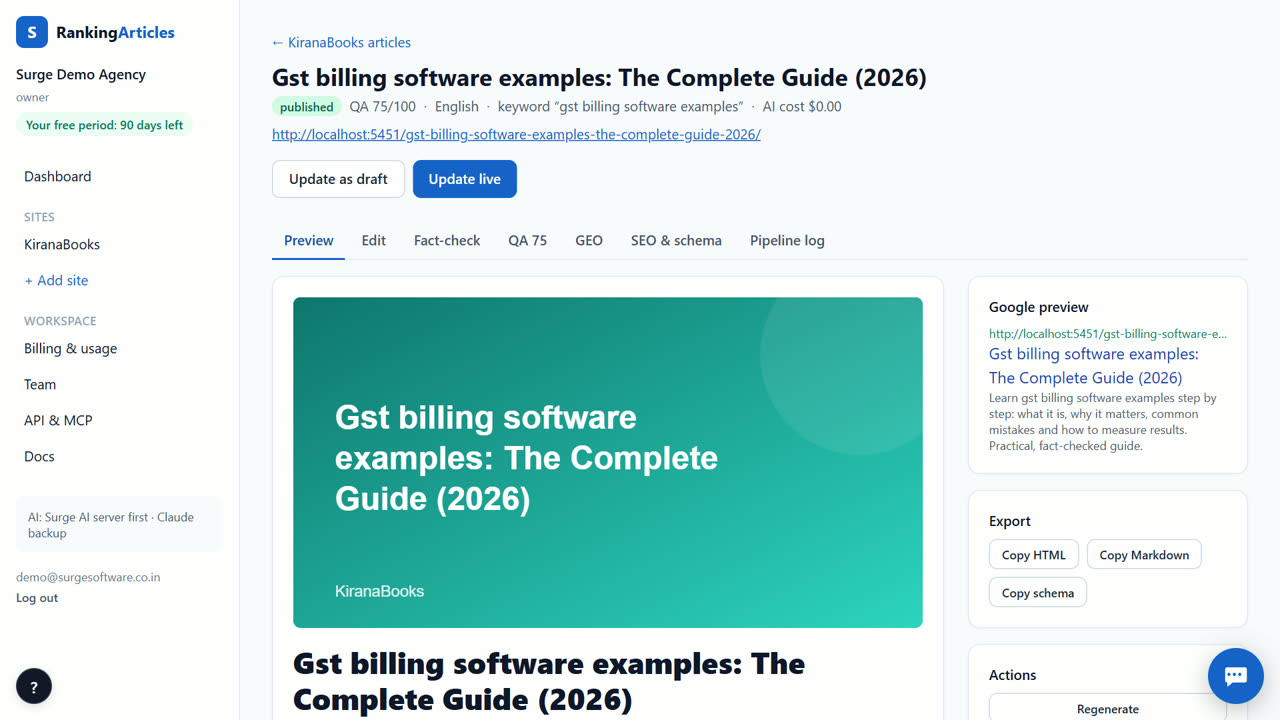
What you end up with
Checked SEO articles produced and posted from the tools your team already uses.
An example
A team keeps its content calendar in a spreadsheet. A small script reads each new row's keyword, calls POST /api/v1/sites/{id}/articles, waits for the article, and writes its URL and QA score back into the sheet. An editor publishes the good ones from the app or with one more API call.
Tips
- Create one key per tool so you can revoke one without breaking the others.
- Read the fact-check result from the API before publishing automatically.
- With MCP, ask your AI agent to list sites first so it uses the right site id.
When RankingArticles is not the right tool
The API is for articles and visibility data; it does not expose billing or team management.
What it costs
RankingArticles starts with a 14-day free trial, no card. After that you keep a free plan (3 articles a month), or pick a paid plan from ₹2,499 ($29) a month. Paid live data, such as AI-answer checks, is pay-as-you-go at our cost. See the plans.
Questions
Is the API extra?
No. The API and MCP server are included in every paid plan (Starter, Growth and Agency). The free trial and the Free plan don't include API access.
Can the API publish a blocked article?
No. Publishing returns 409 while the fact gate blocks it.
Do API articles count toward limits?
Yes. They count against your plan's monthly article allowance, like any article.
What happens if my allowance runs out when the API writes?
The request does not start and returns "Monthly article limit reached"; nothing is charged. Upgrade your plan in Billing & usage, or wait for next month. Early accounts on pay per use see the amount they need instead, and top up there.
Try it on your own site — 14 days free, no card.
Start free