SEO articles for a Shopify, Webflow or Wix blog
RankingArticles publishes fact-checked SEO articles to Shopify blogs, Webflow CMS collections and Wix Blog. These three connections are in beta: built and tested against each platform's API, and not yet proven on many customer stores.
Last updated 2026-11-08 · by Venu Gopal Reddy Muvva, founder
The problem
Most AI SEO tools are built around WordPress. If your shop or site runs on Shopify, Webflow or Wix, you end up copying and pasting every article and setting the SEO fields by hand.
How to do it in RankingArticles
- 1
Add your site
Create a free account and add your site, choosing Shopify, Webflow or Wix as the platform.
- 2
Create an API key on your platform
Shopify: a custom app with write_content scope. Webflow: an API token with CMS read and write. Wix: an API key with Wix Blog permissions.
- 3
Connect
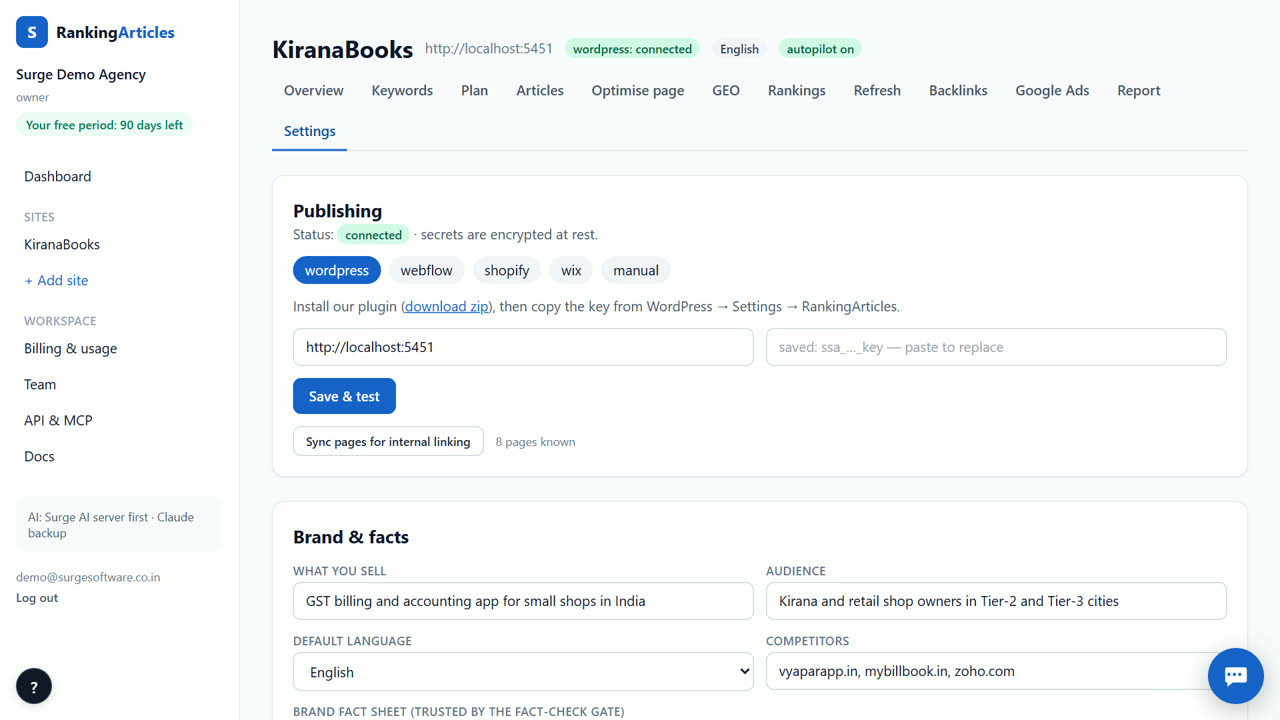
In Settings → Publishing, paste the token and the IDs the guide asks for (blog ID, collection ID, or site and member ID), then save.
- 4
Write and check
Write an article from your plan and read the fact-check verdicts.
- 5
Publish
Publish as a draft or live. Shopify gets the SEO title and description through its metafields; Webflow live items are published through the Data API.
What you end up with
Articles in your Shopify blog, Webflow collection or Wix Blog with title, body and SEO fields filled in.
An example
A Shopify tea store creates a custom app with the write_content scope, copies the token and its blog ID, and connects. The first article arrives in the store's blog as a hidden draft with the SEO title and description set; the owner checks the layout in the theme before making it visible.
Tips
- Publish as drafts until you have checked how articles look in your theme.
- On Webflow, match the field slugs to your blog collection if they differ from the defaults.
- Wix needs a member ID as the author; create one before connecting.
When RankingArticles is not the right tool
Because these connections are in beta, keep publishing as drafts until you have checked a few posts. WordPress is the most proven path today.
What it costs
RankingArticles starts with a 14-day free trial, no card. After that you keep a free plan (3 articles a month), or pick a paid plan from ₹2,499 ($29) a month. Paid live data, such as AI-answer checks, is pay-as-you-go at our cost. See the plans.
Questions
Is Shopify publishing live?
It is in beta: the request shapes are tested, and it has not yet run on many customer stores.
Do I need a developer?
No. Each guide lists the clicks to create the API key on your platform.
Can I use another platform?
Choose Other and copy the article out.
Try it on your own site — 14 days free, no card.
Start free